
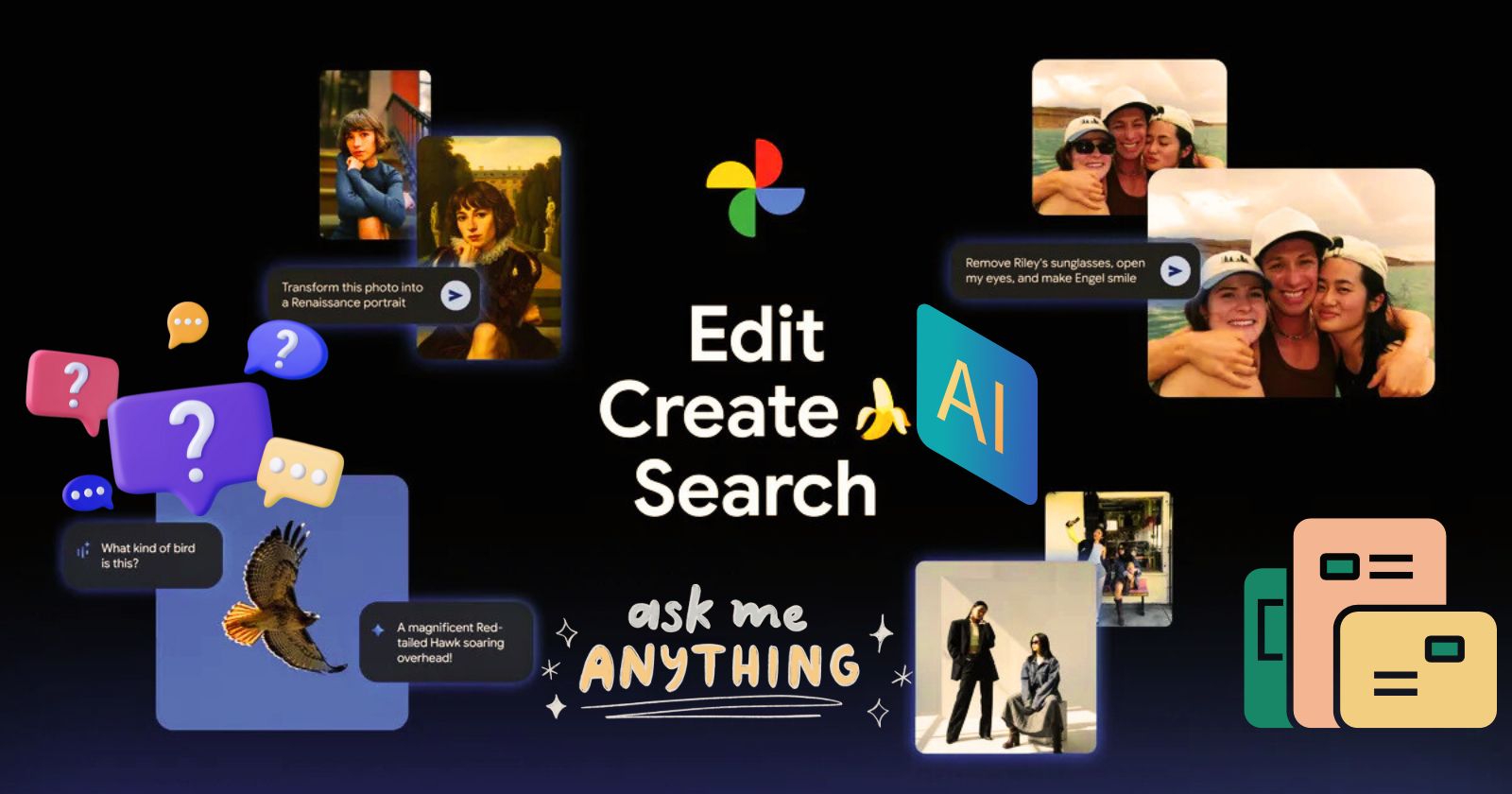
AI in Google Photos is already helping you do more with your pictures. You can edit photos with just a simple command, get creative, and even transform images into new styles. Now, with the latest AI tools powered by Gemini’s advanced image editing model, Nano Banana, there are even more ways to enhance and reimagine your photos.
Discover six exciting new ways AI can help you edit, create, and find your photos in Google Photos. Many of these features are already rolling out, so dive in and see how AI can make your photo experience even smarter and more fun.
1. Make personalized edits just by asking
Ever snapped a great shot but noticed a small flaw? Now you can fix it easily. Just open the photo, tap “Help me edit,” and type what you want. Google Photos uses your private face groups to create personalized, precise edits for the people in your pictures.
2. Now available on iOS
The redesigned Google Photos editor is coming to iOS, letting you edit with simple gestures, one-tap suggestions, and even natural language. No more juggling tools or sliders—just describe the edits you want using your voice or text, and watch Google Photos make it happen. Rolling out in the U.S., this update makes photo editing easier than ever.
3. Transform your photos with Nano Banana
Thanks to Nano Banana in Google Photos’ editor, you can now give your images entirely new looks. Just open a photo, tap “Help me edit,” and describe the style you want—then watch your photo transform.
4. Reimagine your photos with AI templates
Soon in the U.S., Google Photos will introduce personalized AI templates that use insights from your gallery to create edits tailored to your hobbies and experiences. These ready-made templates, powered by Nano Banana, let you instantly transform your photos with popular styles and edits.
Creating your own prompts for generative AI can be tricky, so Google Photos is adding a Create with AI section on Android in the U.S. and India this week.
5. Ask Photos is coming to over 100 countries and 17 new languages
Ask Photos makes it easy to find exactly what you’re looking for in your gallery—just ask naturally, and Google Photos will show the most relevant images. Starting this week, this feature is expanding to more than 100 countries and 17 new languages, bringing smarter, voice- and text-based photo search to people around the world.
6. Explore your photos with the new “Ask” button
The new “Ask” button lets you interact with any photo like never before. While viewing an image, you can ask questions about it, uncover related moments, or describe edits you want—and see the changes happen in seconds. Just tap “Ask,” start typing, or use a suggested prompt to get started.
Also Read: Hollywood Legends Team Up with AI Company for Voice Licensing


